So, I’ve created nested lists to categorise the projects on my client’s site . These will appear on the individual project pages but will probably eventually be hidden on the project listing page. These are working. I’m now trying to filter the projects with checkboxes on the listing page using the different categories from the nested lists. This is the bit that isn’t working at the moment.
Note: everything has been done with Attributes v2.
Please help, it’s probably something simple but I’ve checked that I’ve implemented everything as shown in the documentation and can’t see anything wrong.
I can see exactly what’s happening with your nested lists filtering setup. Your HTML structure looks good with the correct fs-list-element attributes in place.
Based on what we’ve seen with similar nested CMS filtering issues, this typically comes down to field mapping between your filter checkboxes and the nested collection data.
Here’s what to check:
1. Verify Exact Field Name Matching
Make sure your filter checkboxes use the exact same field identifiers as your CMS collection fields:
These need to match exactly - including capitalization and special characters.
2. Check Your Nested Collection Targets
Your fs-list-element="nest-target" elements with fs-list-nest="Foundations" look good, but double-check that the nested collection field names align perfectly with the filter field names.
3. Checkbox Group Naming
Ensure each checkbox group has unique data-name values in Webflow:
Foundations checkboxes: data-name="Foundations"
Finishes checkboxes: data-name="Finishes"
Construction checkboxes: data-name="Construction"
If they all share data-name="Checkbox", they’ll interfere with each other.
A simpler approach might be to try filtering with just one category first (like Foundations only) to confirm the basic filtering works, then gradually add the others.
Could you double-check the field names match exactly between your filter form and your CMS collection?
OK, I have checked through all that “Finn” said and all is as recommended but still not working. Have removed four of the filters so we can focus on getting one working first.
Thanks guys. Great we don’tneed custom code. Have just tried this (with AND without removing the field from the original Text 200 Div block) and still no joy. Any more thoughts please, starting to tear my hair out!
I’ve taken a deeper look, and I believe that it would be best if you had a fresh start with the setup.
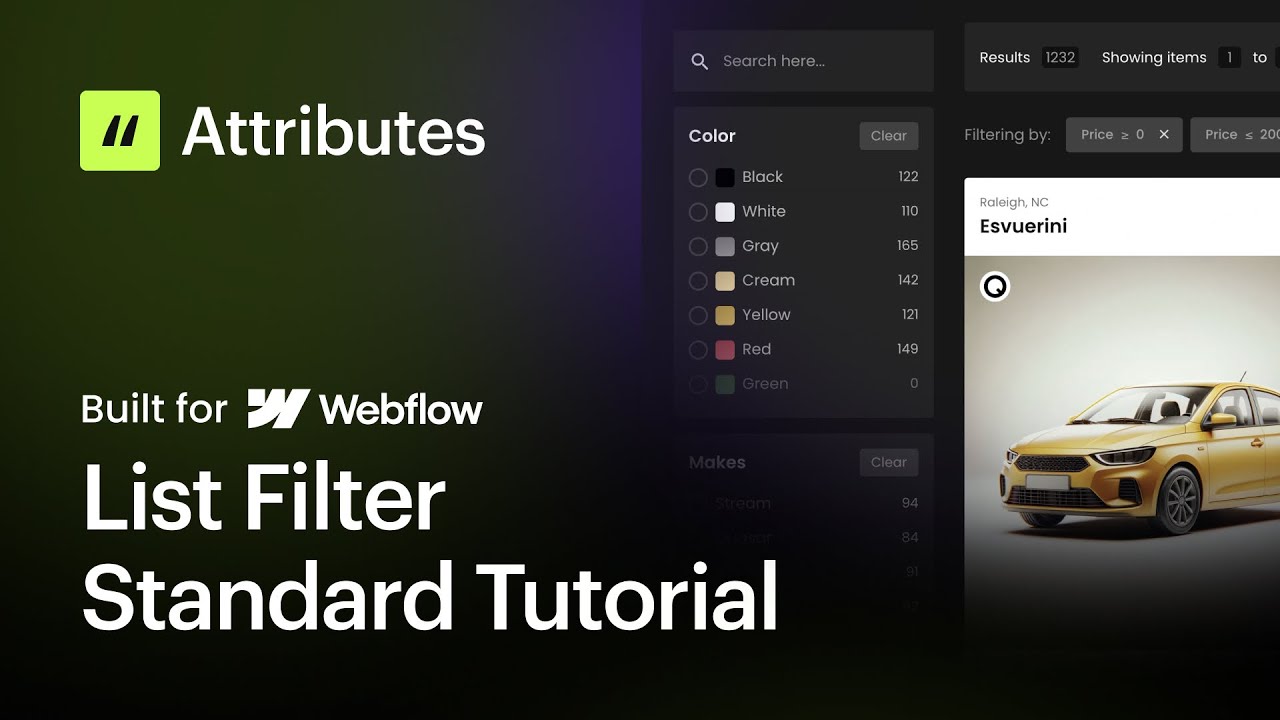
Below, I am sharing the video tutorial for a Standard Filter setup, as well as an example setup similar to what you are trying to achieve with the checkboxes handling the filtering.
Here are some of the issues I noticed when I took a deeper dive:
Created a form inside a collection list - the best practice is to add a collection list inside the Form element, here we can prevent accidental form duplication
Input Active v1 script - Attributes v1 and v2 are not compatible on the same page. You can achieve the active state for List Filter using the fs-list-activeclass = "is-list-active" attribute
Static attributes on Collection List - the fs-list-element = wrapper attribute has been added to the main collection list wrapper; this is not needed unless you were filtering a static list. Since this is CMS Driven, you can remove it.