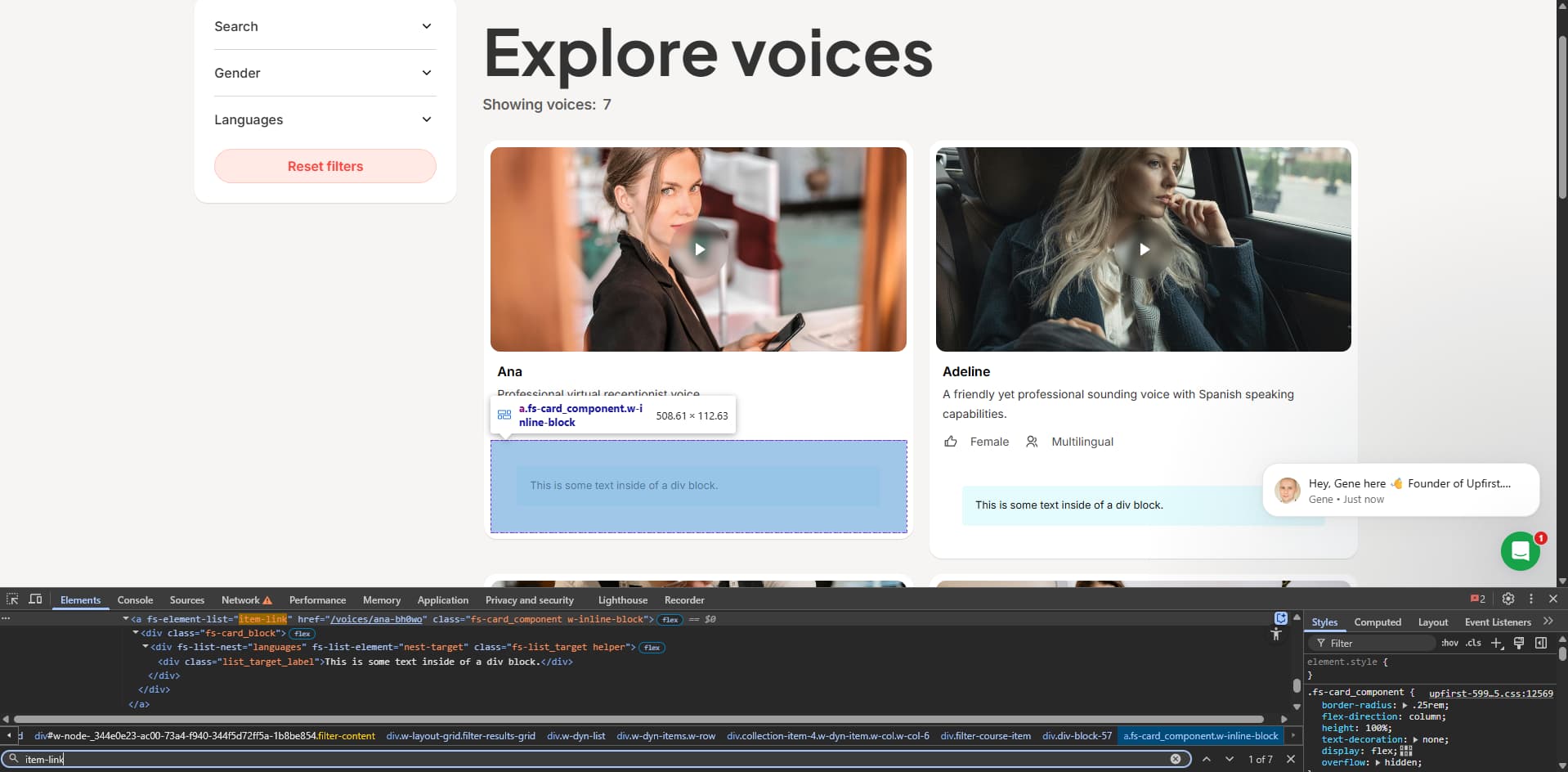
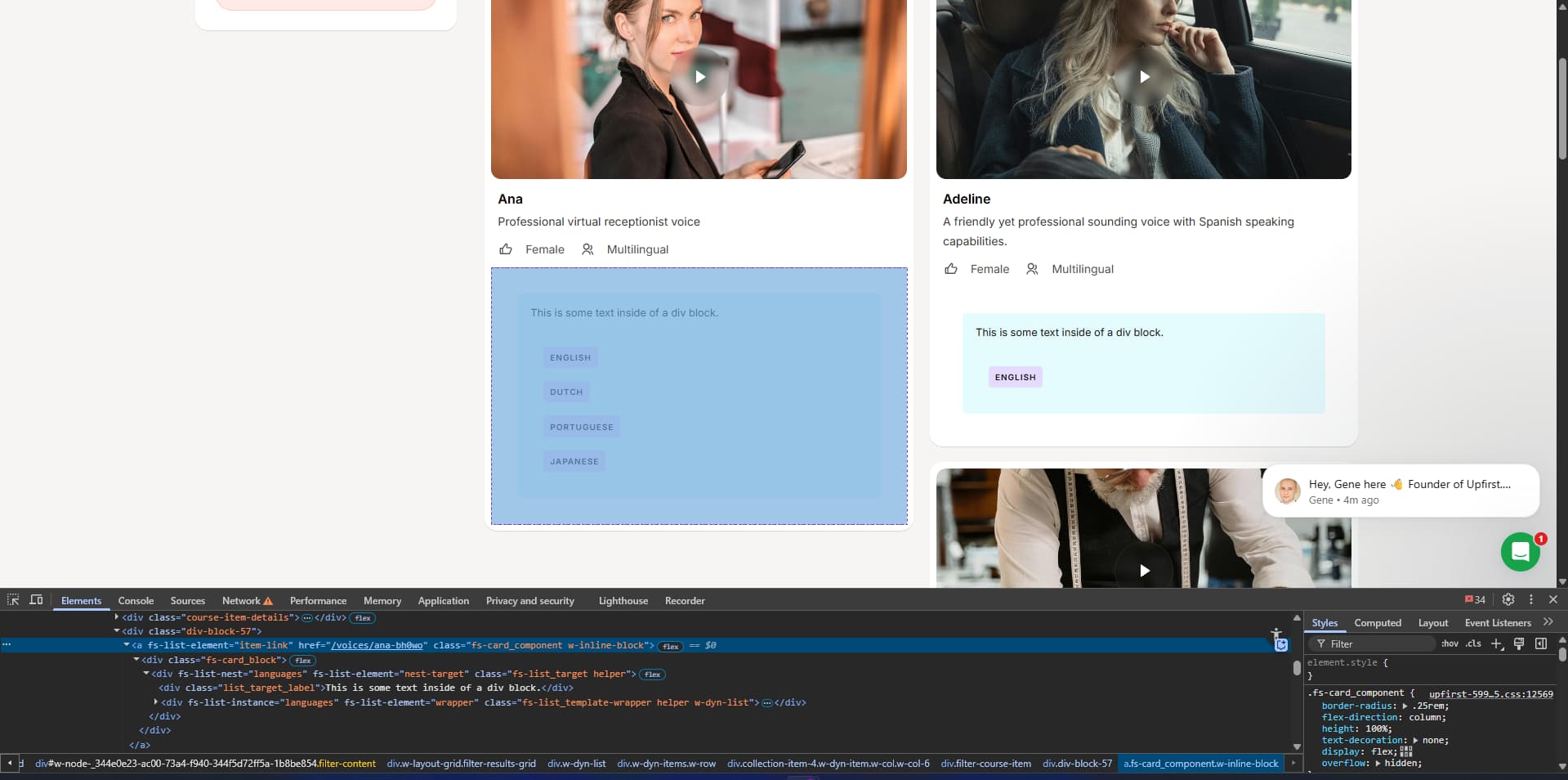
Hi all, I’m not sure where I am going wrong with creating a List Nest for my page. I’ve followed along with the How To Youtube video and instructions on the List Nest page multiple, multiple times, but the nested list is still not populating on the page.
What I am trying to do: I want our users to be able to explore our library of AI voices. They should be able to filter between Male/Female, and multi-select what languages they want it to speak (each voice can speak well over 10 languages. Up to 90 for some).
Filtering for Male/Female works beautifully, but I’m having trouble getting the multi-reference field for the different languages to populate on the page. I have no idea what it is I’m missing. Like I said, I’ve followed along with the instructions for List Nest multiple times.
To make List Filter work correctly with List Nest:
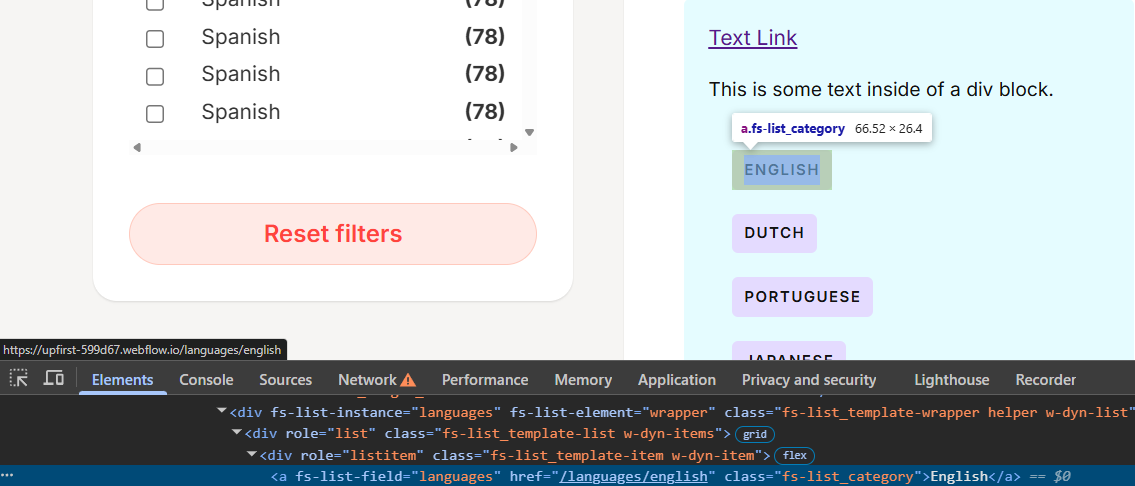
Make sure to add the fs-list-field="IDENTIFIER" to the items inside your Template Page Collection List. This way Attributes can correctly read and connect them when they’re nested into the main page.
I do have a new problem now. Am I able to make this nested list filterable with checkboxes?
I used fs-list-field=IDENTIFIER on it, but seeing that it’s not a text block/radio/checkbox, it didn’t work. Is there a way to accomplish what I’m looking to do?
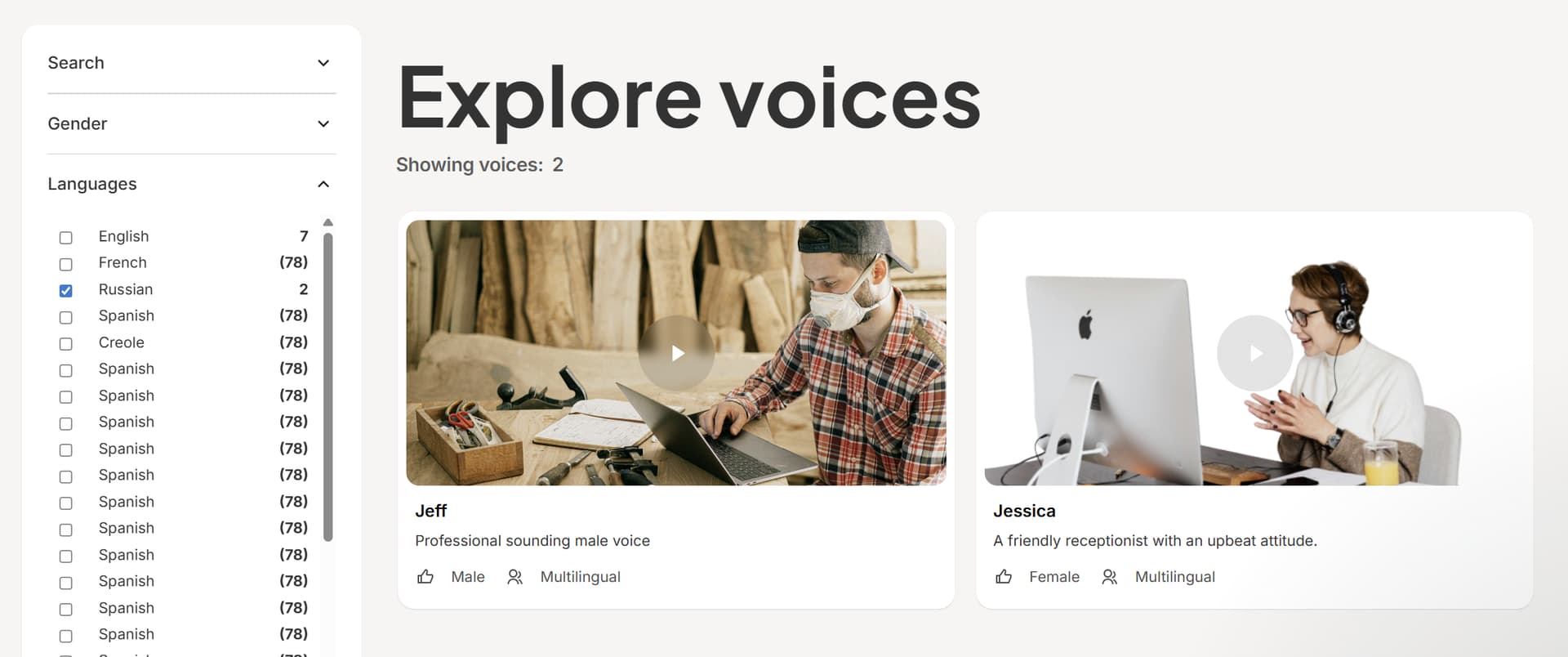
Say a user is making different selections of languages/genders, and they come across one that we don’t have for their specific selection. So the search is at 0, like what it’s showing below. When unchecking the boxes, the search doesn’t reset and stays at 0, showing no voices. This only happens if the user somehow finds themselves with a selection that shows 0.
 to
to 


 That fixed it! Super exciting to get this down. You’ve helped me get through a major wall